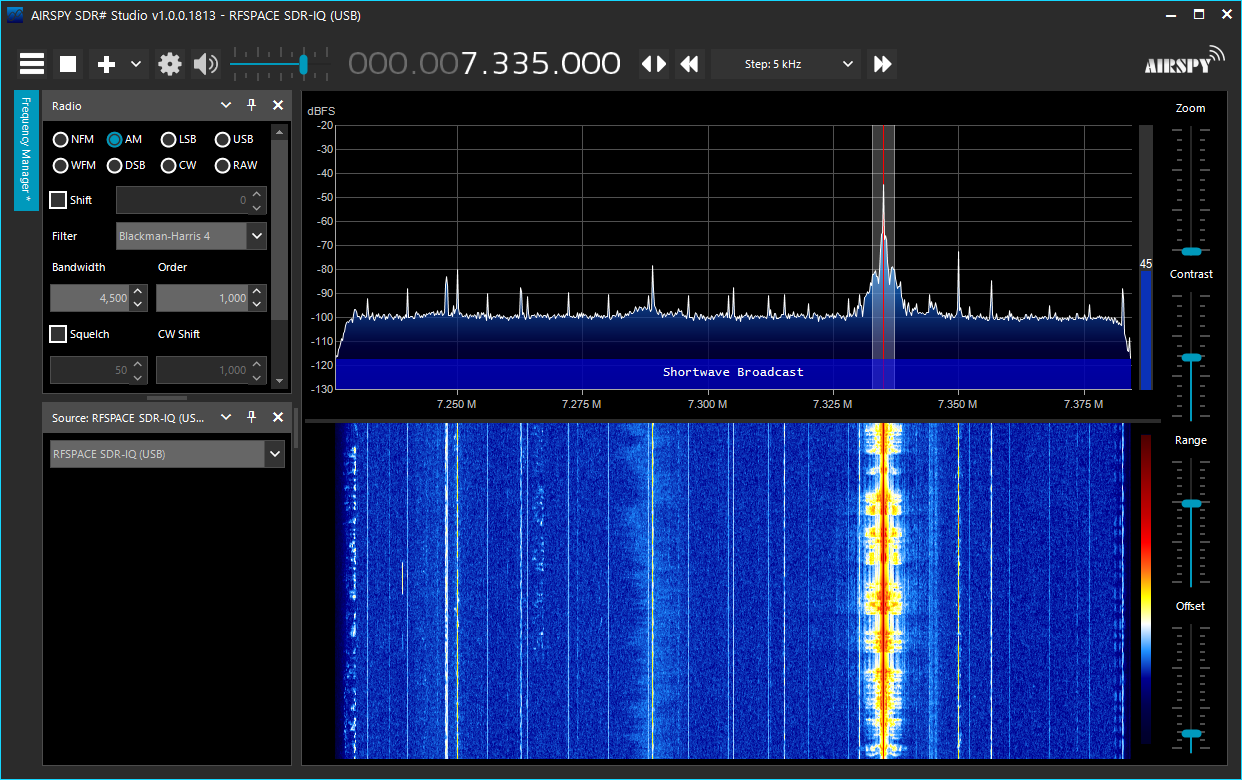
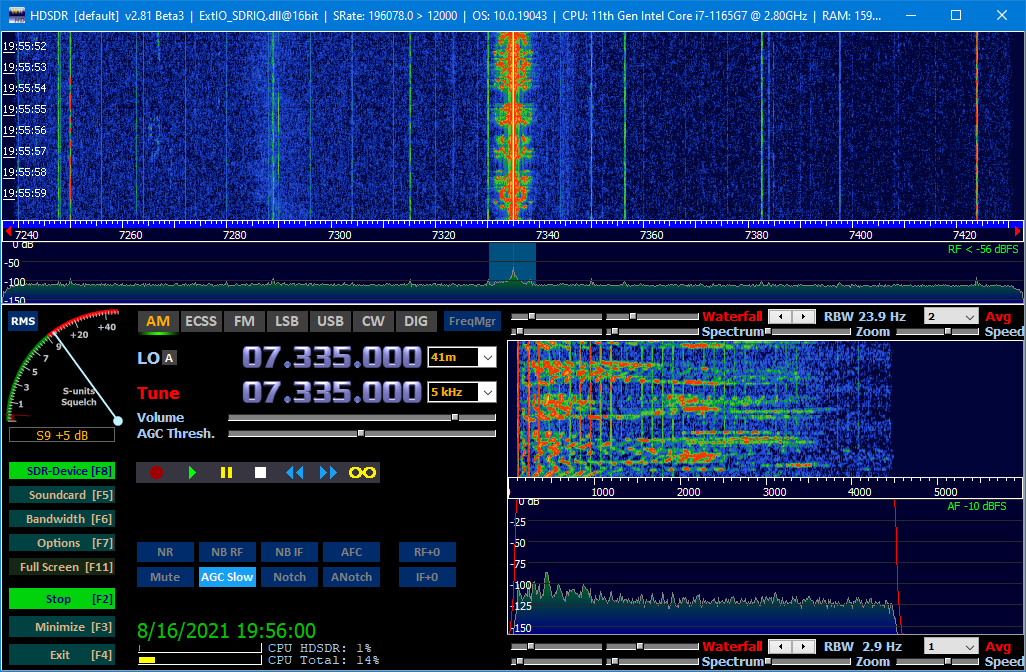
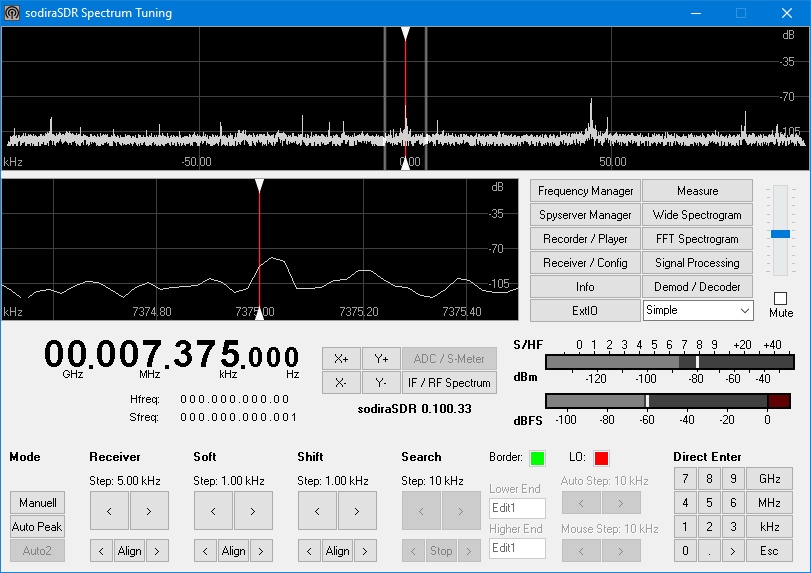
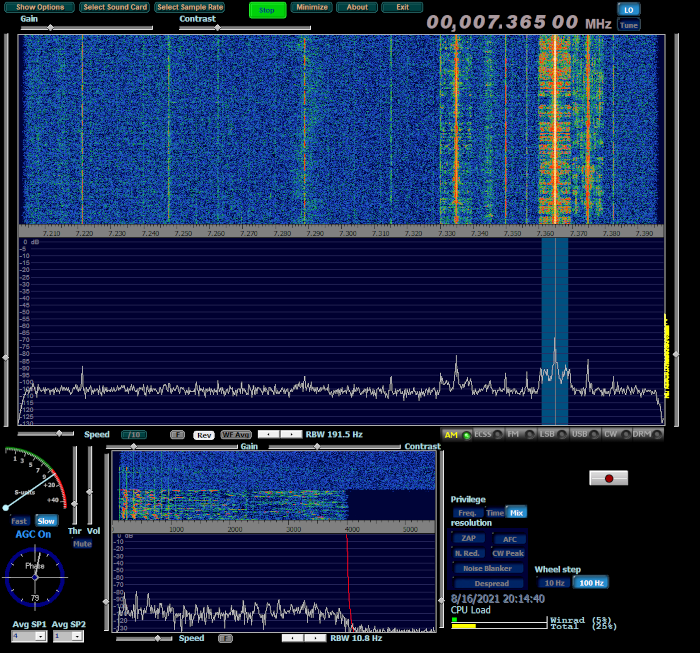
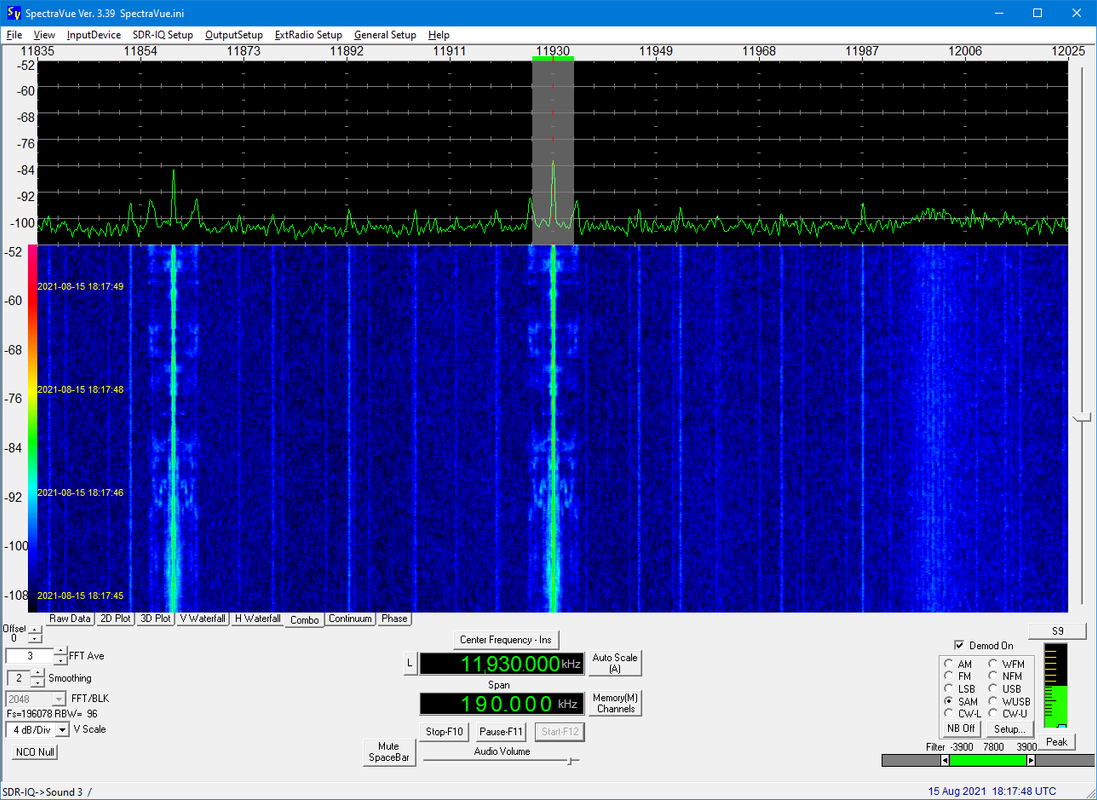
Here is the radio playing under SpectraVue:
In SDR Console I am able to successfully add the radio. The software does see the radio and allows me to add it.

However, and this might be a clue, a serial number is not shown. I cannot recall if it did show the serial number when it was working before or not.
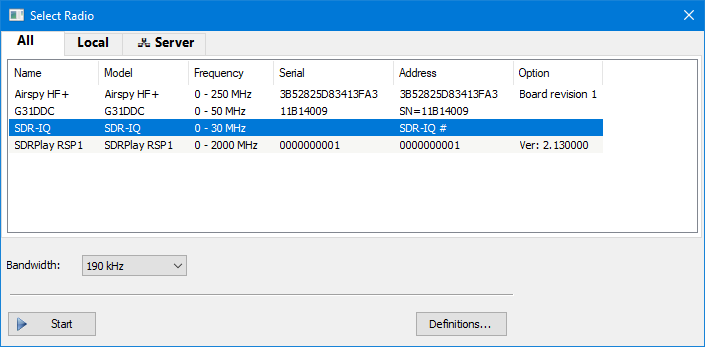
When I select the SDR-IQ from the dialog, SDR Console does nothing. I do not get an error. Trying the START button results in the hourglass showing for a second or two, then it goes away. It's pretty much like the SDR-IQ is a phantom radio, not doing anything but haunting me with its presence.
This is not an urgent matter. The RF-Space SDR-IQ is an old SDR radio. I've had the radio since 2011, but I've pretty much moved onto newer and better SDRs. I only noticed this recently after moving some radios on my shelf, seeing the SDR-IQ, and feeling guilty for not having used it for so long. Plus I can always use the SpectraVue native software to use it. I've also tried swapping out USB cables, the USB hub, etc. I also have my AirSpy HF+, my SDRConsole RSP1, and my WiNRADiO G31DDC attached to the same USB hub; all of them work in SDR Console. It's just the RF-Space SDR-IQ that doesn't work. It's not a USB bandwidth issue as I've never actually run more than one of these radios at a time. While SDR Console can handle multiple radios, my ears cannot take the cacophony!
If anyone has any ideas, please let me know.
Thanks again, Simon, for a wonderful piece of software!
Bob, W4RLS